Bible Assistant
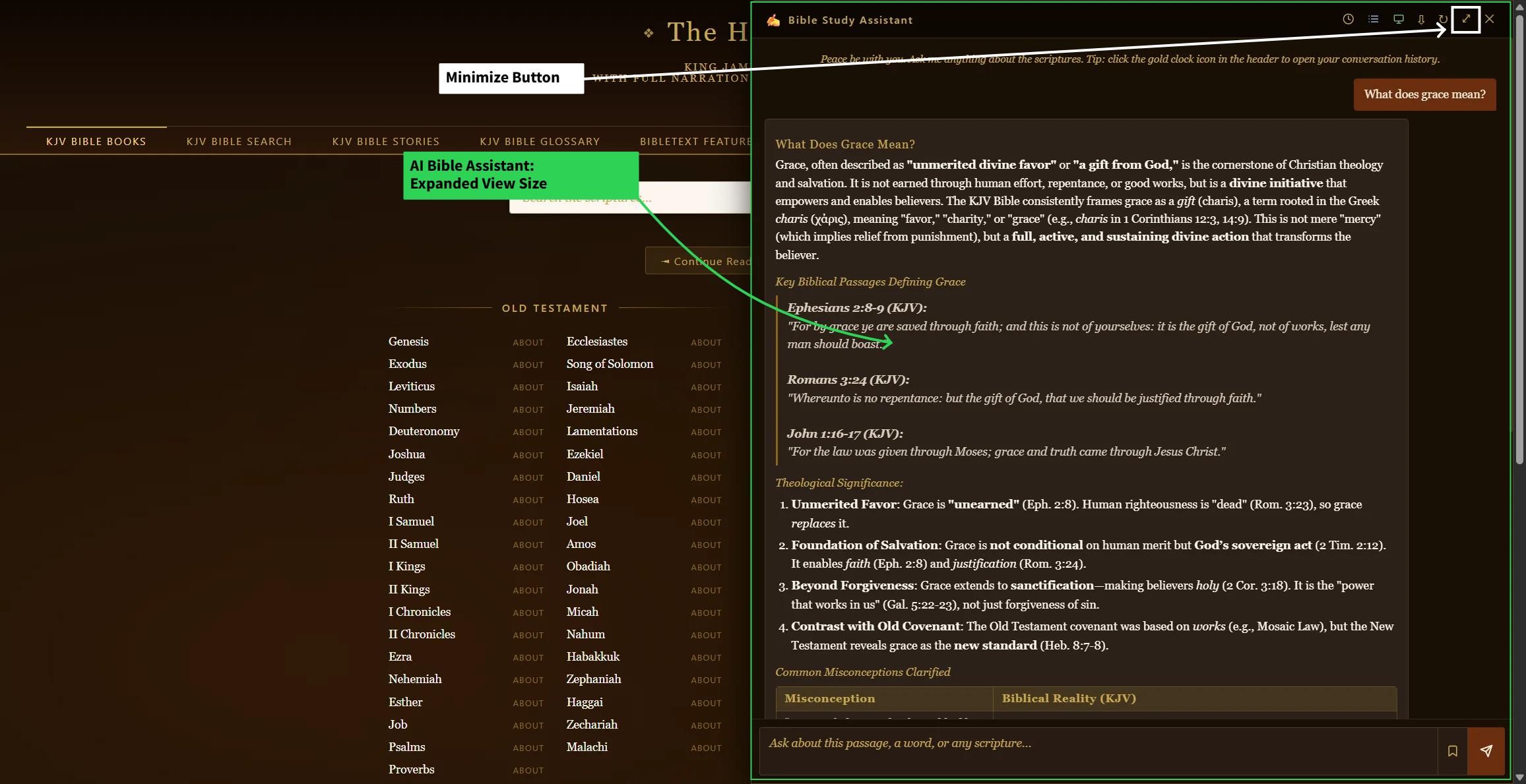
Ask a Bible question in plain English while reading and get a detailed, scripture-grounded answer, right in the chapter.
No account needed. Free to use right now — log in to save the conversation for later.
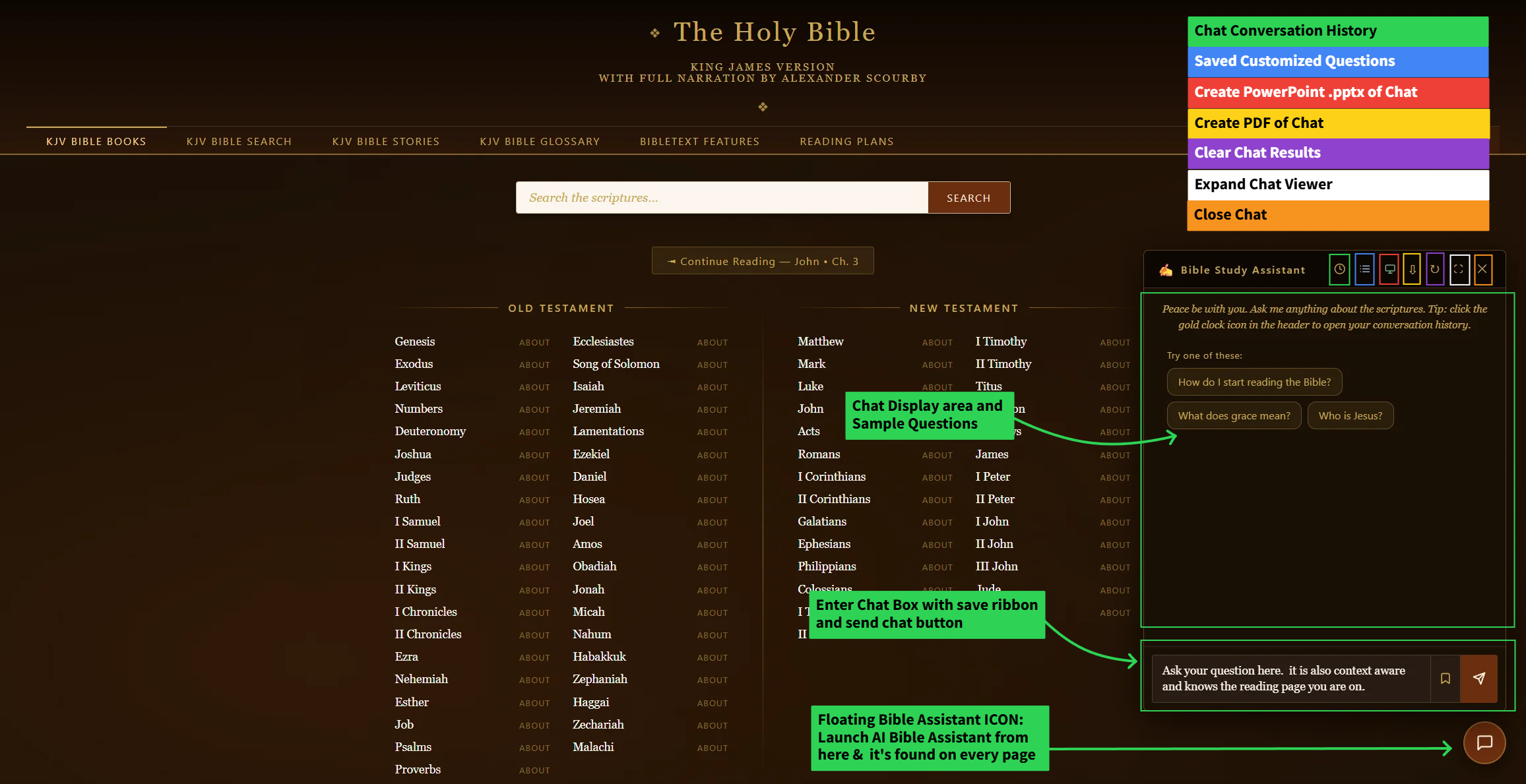
- While reading any chapter, click the chat bubble in the corner to open the context-aware chapter chatbot.
- Type your question and press Enter — the assistant answers using scripture as its grounding, citing verses along the way.
- Not sure what to ask? Try one of the three suggested starter questions shown on first open.
Looking for the Ask AI tab instead? That version lives on the Search & Concordance page for asking a question without a specific chapter in mind.
Logged in? Every answer can be saved permanently — see Saved AI Conversations.