Themes & Reading Comfort
Five color themes, adjustable font size, an inline cross-reference toggle, and a clean print view.
No account needed. Free to use right now.
- Open the theme picker from the user menu or reading page toolbar.
- Choose from Bible Brown Dark (default), Bible Brown Light, Royal Blue, Royal Purple, or Royal Green.
- Use the font size buttons to increase or decrease reading text size.
- Toggle Cross References on or off, and use Print for a clean, themed printout of the current chapter.
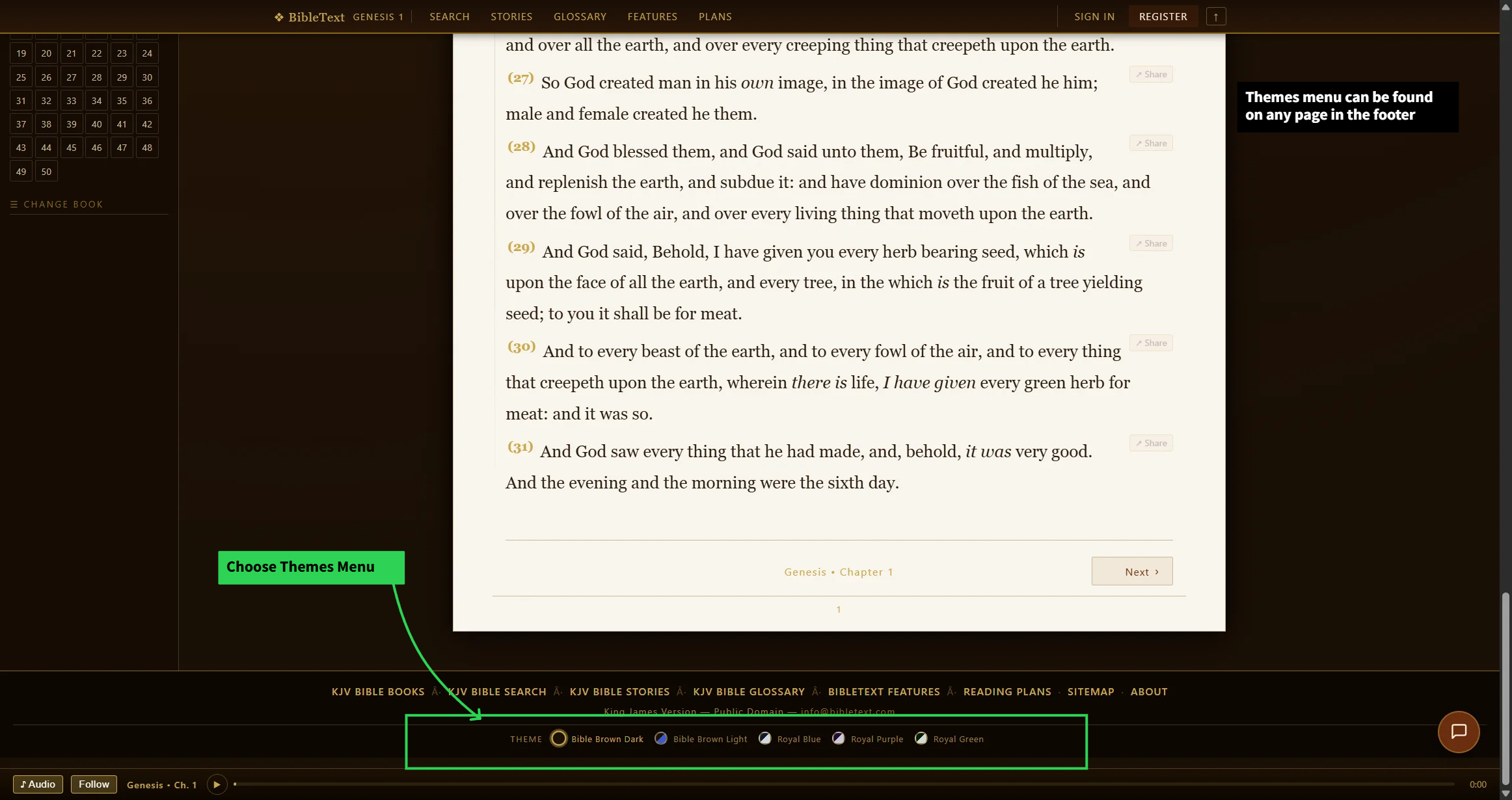
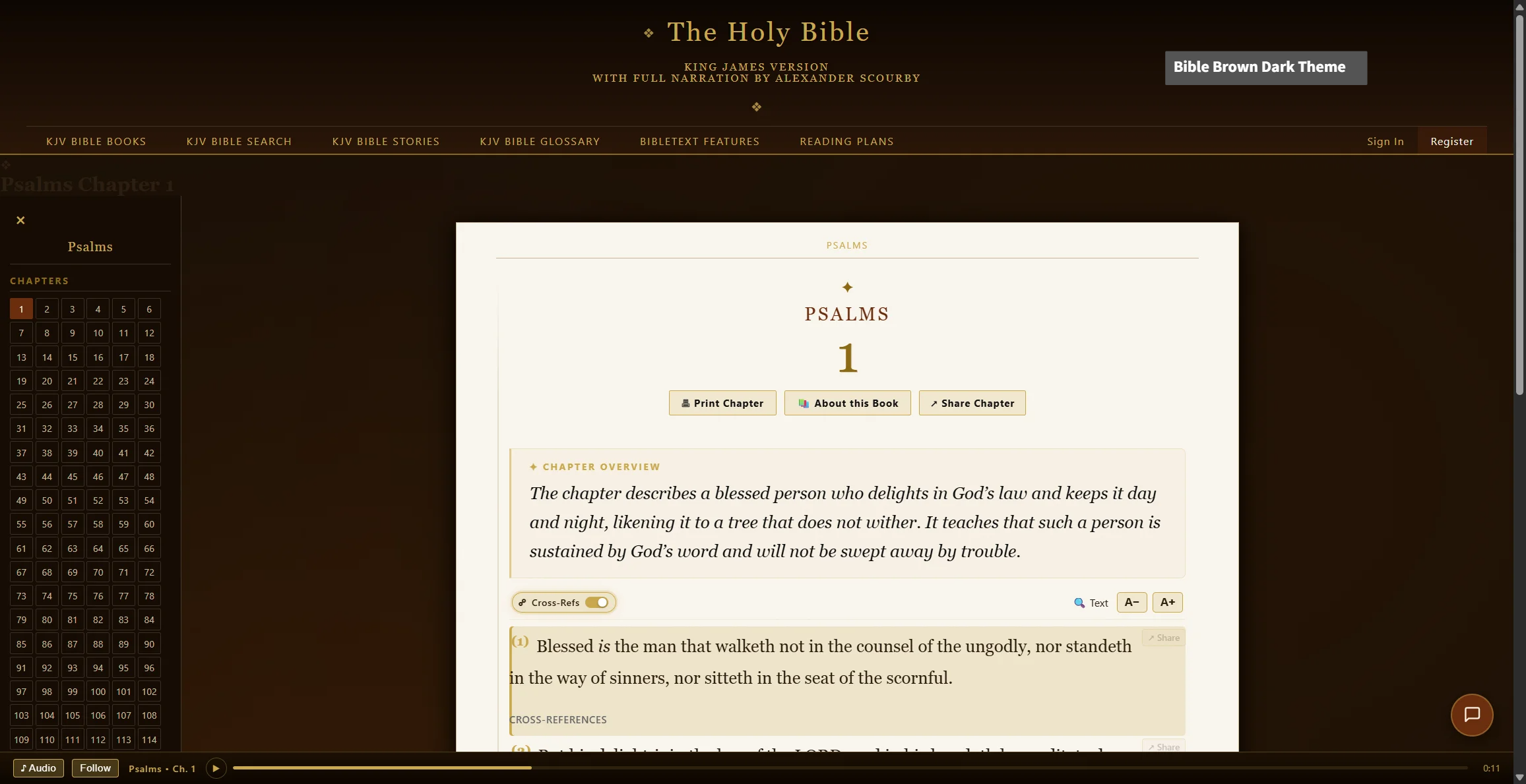
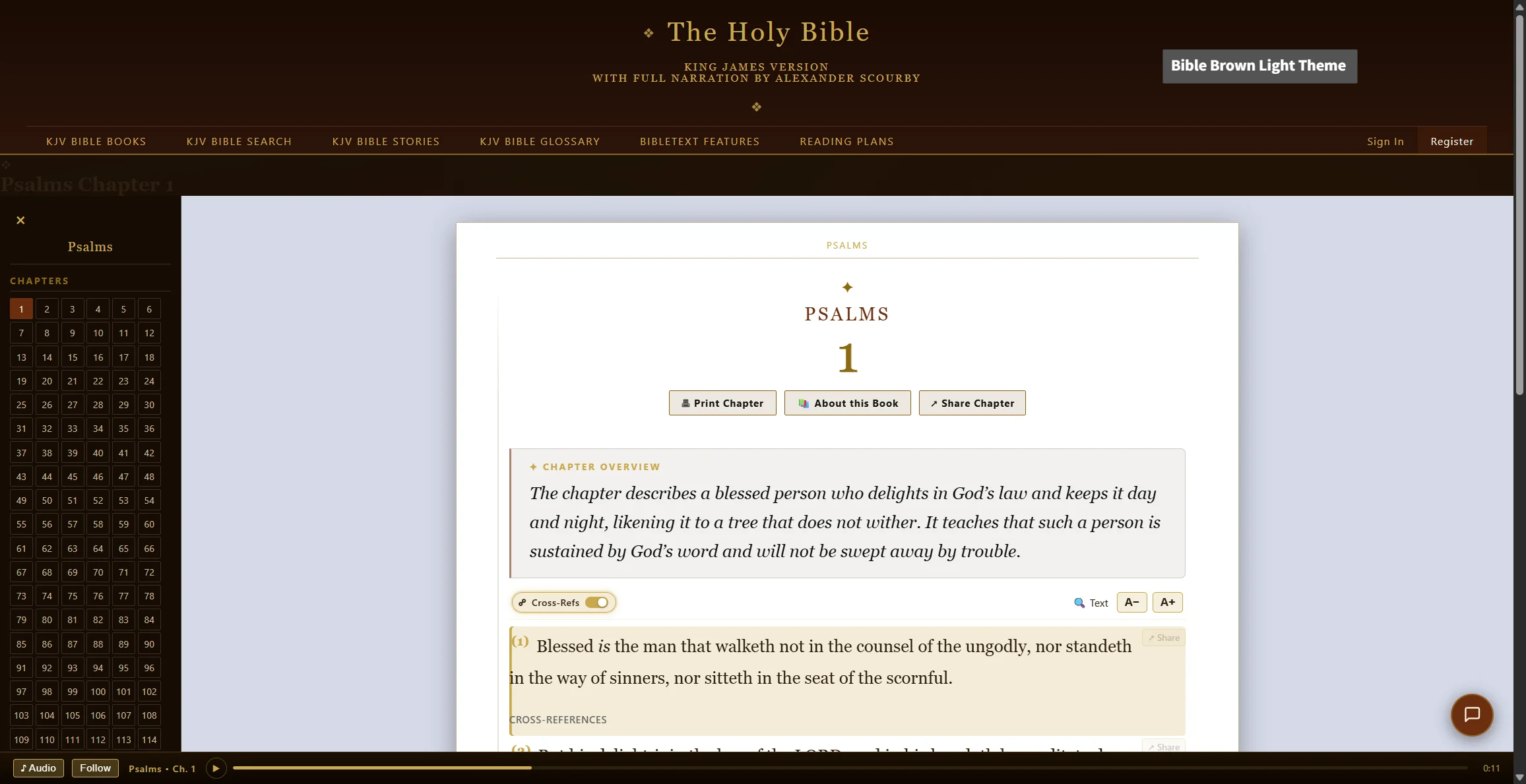
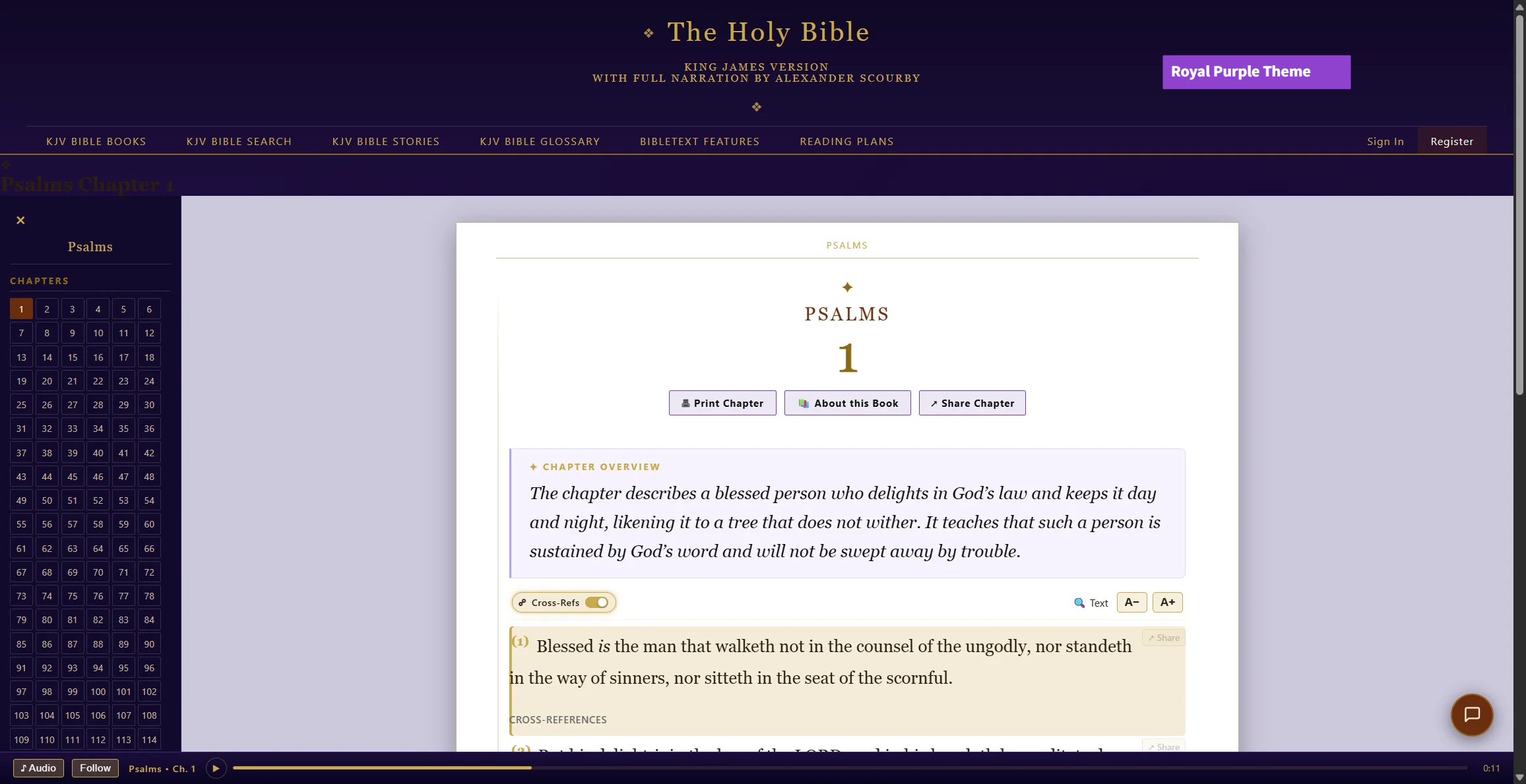
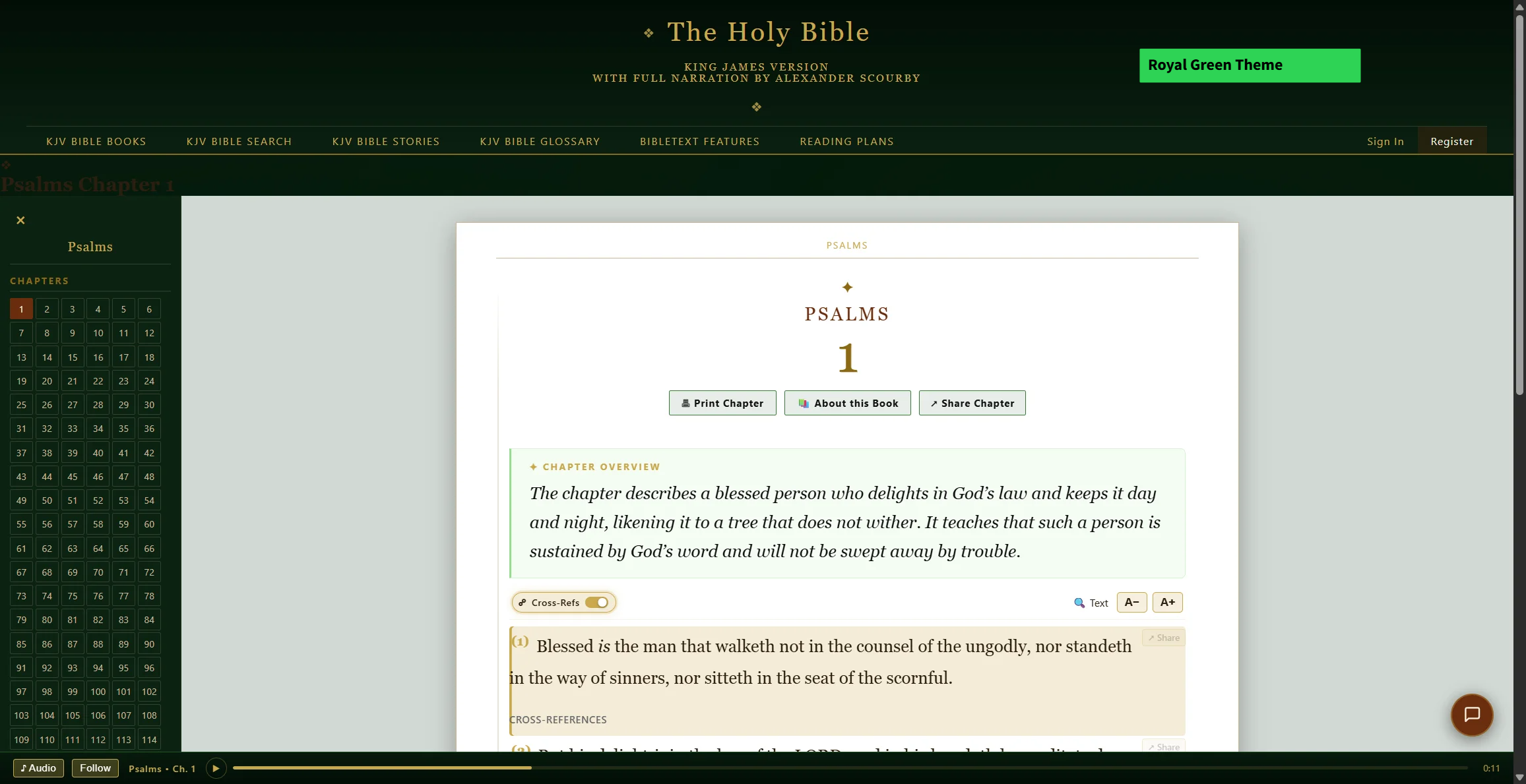
Open the theme picker menu from the user menu or reading page toolbar to choose a color theme.
Click a theme button above to preview the same reading page in that color scheme. Bible Brown Light is tuned specifically for the reading page; the other four themes carry through every page of the site.